AI Model Reels: Fashion Video Generation with Veo 3.1
Transform fashion photography into professional videos with AI model movements.
ecomVance
Advanced AI for E-Commerce

What is AI Model Reels?
AI Model Reels transforms fashion photography into professional videos using Google's Veo 3.1 model with fashion-specific AI rules. It creates runway walks, lookbook videos, and dynamic fashion showcases with realistic fabric physics and natural model movement—from static images.
- Powered by Google Veo 3.1 with fashion-specific AI rules
- Realistic fabric physics—silk flows differently than denim
- 4, 6, or 8 second video durations
- 16:9 landscape and 9:16 portrait aspect ratios
- Optional AI-generated ambient music and sounds
Key Takeaways
- 1Transform static fashion photos into professional video content
- 2Google Veo 3.1 AI understands fabric physics and natural movement
- 3Video durations: 4 seconds (400 credits), 6 seconds (600 credits), 8 seconds (800 credits)
- 4Support for 16:9 (YouTube, web) and 9:16 (TikTok, Reels, Stories)
- 5Complete workflow: Product Try-On → Model Backgrounds → Model Reels
Fashion content needs movement. Model Reels transforms your fashion photography into professional videos with AI-generated model movements—runway walks, elegant turns, and dynamic poses powered by Google Veo 3.1.
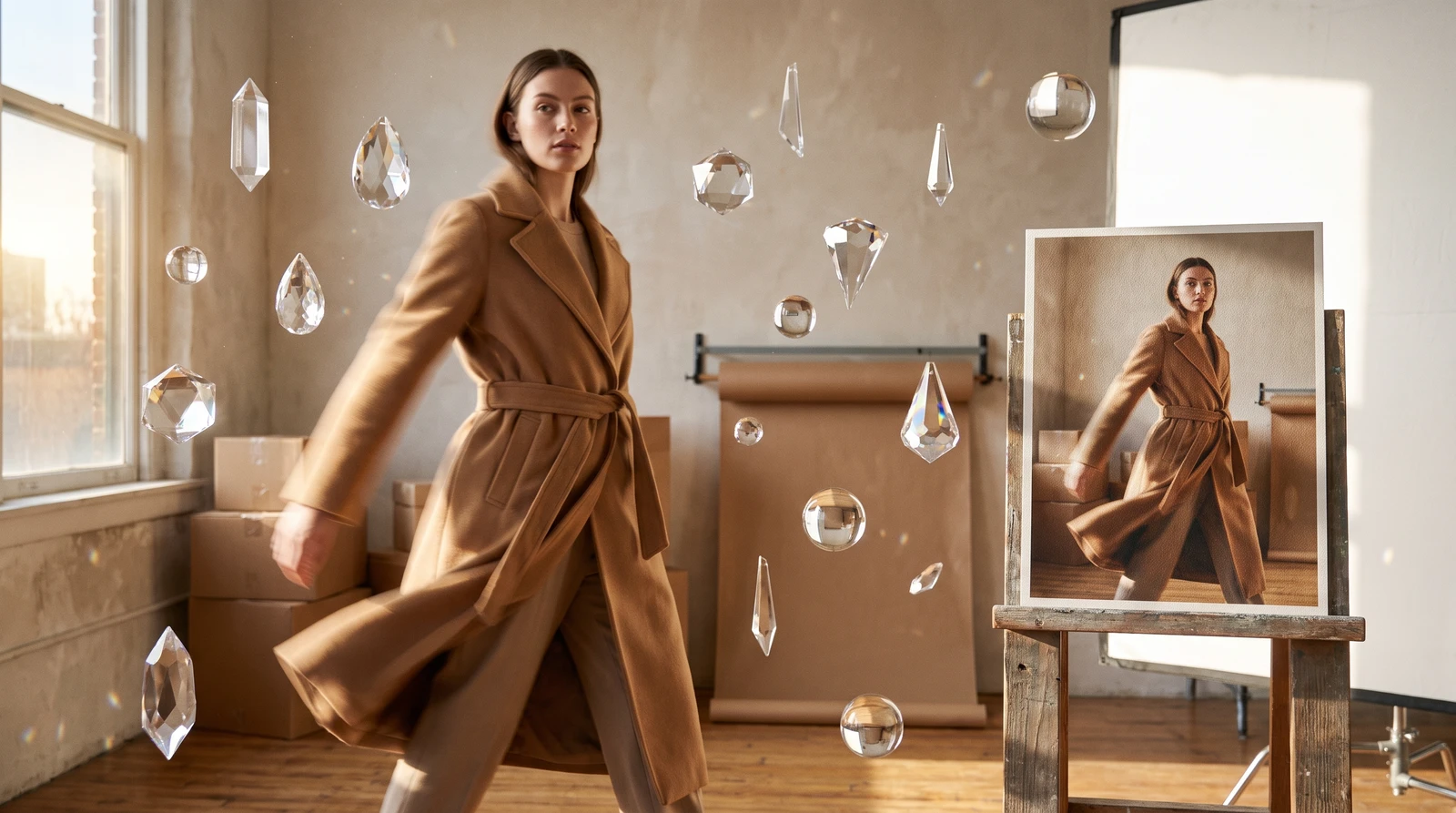
The Fashion Video Imperative
Static fashion images can't show how fabric moves, how garments drape, or how outfits look from different angles. Video content is essential for fashion marketing, but professional fashion video production costs thousands per minute.
Model Reels makes fashion video accessible to any brand, any size, any budget—powered by the same AI that runs ecomFit's virtual try-on platform.
Introducing Model Reels
Model Reels transforms fashion photography into professional videos using Google's Veo 3.1 model with fashion-specific AI rules. Upload a fashion image, describe the movement, and AI creates lookbook videos, runway walks, and dynamic showcases.
Fashion-Specific AI
Model Reels understands fashion—fabric physics, natural model movement, runway aesthetics. It's not generic video generation; it's built for fashion content.
How It Works
How to Create AI Fashion Videos
Transform fashion photography into professional video with Model Reels in four steps.
Upload your fashion image
Add your fashion photography showing models wearing products. Use Product Try-On to create model imagery first if needed.
Write a motion description
Describe how the model should move: movement type (walks, turns, poses), style (runway, casual, elegant), camera behavior, and mood or atmosphere.
Configure video settings
Set duration (4, 6, or 8 seconds), aspect ratio (16:9 or 9:16), and whether to include AI-generated audio.
Generate fashion video
AI creates professional fashion video with realistic fabric physics and natural model movement in 2-5 minutes.
Motion Prompts
Effective fashion video prompts describe movement, style, and atmosphere:
Elements to Include
| Element | Examples |
|---|---|
| Movement | walks, turns, poses, spins |
| Style | runway, casual, elegant, dynamic |
| Camera | follows, static, slow zoom, tracking |
| Mood | confident, relaxed, energetic, sophisticated |
| Details | fabric flows, hair moves, jewelry catches light |
Example Prompts for Fashion Video
| Content Type | Prompt |
|---|---|
| Runway Walk | Model walks confidently down a runway, chin up, perfect posture. The dress flows naturally with each step. Camera follows from a low angle. Fashion show atmosphere. |
| Casual Lifestyle | Young woman walking through a sunny city street, relaxed confident stride. Hair gently blowing in breeze. Outfit moves naturally. Camera follows alongside. |
| Product Focus | Slow 360-degree turn showing all angles of the jacket. Model turns gracefully, arms slightly away to show fit. Studio lighting, clean background. |
| Editorial Style | Model strikes dynamic poses, transitioning fluidly between each. Dramatic pauses, editorial fashion photography style. Artistic camera angles. |
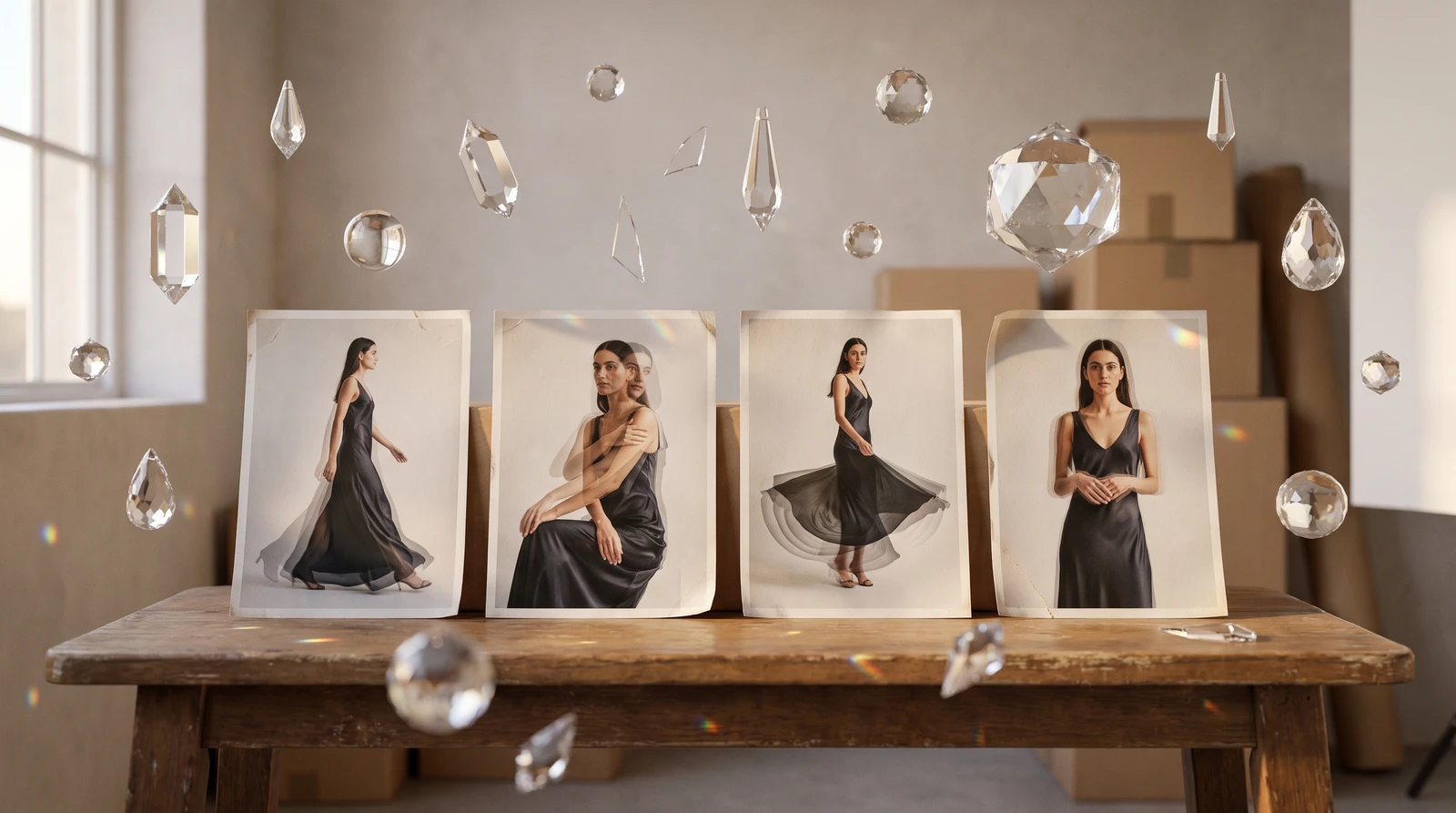
Key Features
Duration & Pricing
| Duration | Credits | Best For |
|---|---|---|
| 4 seconds | 400 credits | Quick teasers, Stories |
| 6 seconds | 600 credits | Standard showcases |
| 8 seconds | 800 credits | Detailed presentations |
Aspect Ratios
| Ratio | Best For |
|---|---|
| 16:9 (Landscape) | YouTube, websites, ads |
| 9:16 (Portrait) | TikTok, Reels, Stories |
AI Audio
Optionally generate AI ambient music and sounds, or export silent video for your own branded audio.
Realistic Fabric Physics
AI understands how different fabrics move—silk flows differently than denim. Your videos show natural, realistic garment movement.
Use Cases
Lookbook Videos
Transform static lookbook photography into dynamic video content showing complete outfits in motion.
Social Media Content
| Platform | Aspect | Duration | Content Type |
|---|---|---|---|
| TikTok | 9:16 | 4-8s | Quick hook, trending style |
| Instagram Reels | 9:16 | 4-8s | Polished, aesthetic |
| Instagram Stories | 9:16 | 4s | Brief, impactful |
| YouTube | 16:9 | 6-8s | Professional quality |
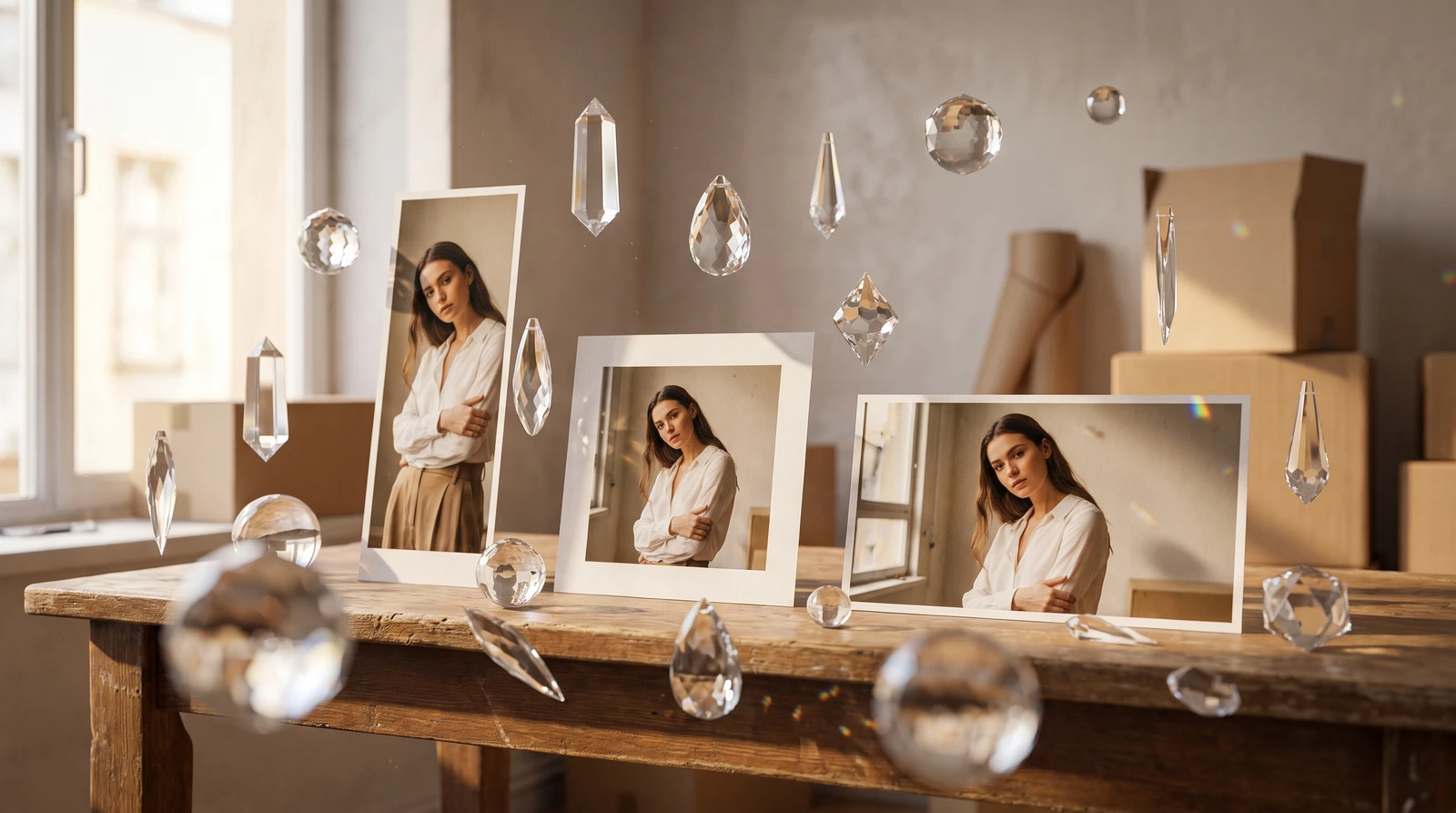
Product Launch Videos
Create hero videos for new product launches, showing items in motion before your photoshoot is even scheduled.
Getting Started
Model Reels works best with high-quality fashion photography showing models in natural poses. Use Product Try-On to create model imagery, then transform those images into video with Model Reels.
Complete Workflow
Product Try-On → Model Backgrounds → Model Reels: Create the model shot, add the perfect background, then animate it into video. Full fashion content pipeline with zero traditional photography.
Start creating professional AI fashion videos with ecomFit's Model Reels today.
Frequently Asked Questions
What is AI Model Reels for fashion video?
AI Model Reels transforms fashion photography into professional videos using Google's Veo 3.1 model with fashion-specific AI rules. It understands fabric physics, natural model movement, and runway aesthetics to create lookbook videos, runway walks, and dynamic fashion showcases from static images.
What AI powers Model Reels video generation?
Model Reels uses Google's Veo 3.1 AI model, specifically configured with fashion rules that understand how different fabrics move (silk flows differently than denim), natural model movement patterns, and runway/editorial video aesthetics.
How long can AI-generated fashion videos be?
Model Reels supports three duration options: 4 seconds (400 credits) for quick teasers and Stories, 6 seconds (600 credits) for standard showcases, and 8 seconds (800 credits) for detailed presentations.
Does Model Reels include AI-generated audio?
Yes, you can optionally generate AI ambient music and sounds to accompany your fashion videos, or export silent video to add your own branded audio in post-production.
What aspect ratios work for fashion video content?
Model Reels supports 16:9 landscape (best for YouTube, websites, and ads) and 9:16 portrait (best for TikTok, Instagram Reels, and Stories) to optimize for any platform's requirements.
Related Articles

Introducing ecomFit: Revolutionizing Apparel E-commerce
Discover how ecomFit is transforming the way fashion brands create product imagery with AI-powered virtual try-on technology.

Introducing ecomPro: Advanced AI Image and Video Generation
Access Google Nano Banana Pro for stunning image generation and Veo 3.1 for cinematic video creation. Enterprise-level AI content creation for e-commerce.

AI Background Removal: Clean Product Images in 5 Seconds
Remove backgrounds from product images instantly with AI. Get transparent PNG files ready for any platform. Just 20 credits per image with professional results.