AI Product Try-On: Clothing on AI Models with Perfect Accuracy
Place clothing on AI-generated models preserving every detail.
ecomVance
Advanced AI for E-Commerce

What is AI Product Try-On?
AI Product Try-On is a virtual fitting technology that uses artificial intelligence to place clothing on AI-generated models with perfect accuracy. It eliminates the need for traditional model photography while preserving 100% of product details, colors, and design elements.
- Place clothing on diverse AI models instantly
- Preserve 100% of product design, colors, and details
- Combine up to 14 products with 5 models per image
- Support for 10 aspect ratios and up to 4K resolution
- Eliminate expensive model photoshoot costs
Key Takeaways
- 1AI virtual try-on eliminates $500-5,000+ model photography costs per session
- 2100% product fidelity—design, colors, patterns, logos always preserved
- 3Combine up to 14 products with 5 models in single compositions
- 410 aspect ratios from 21:9 to 9:16 for any platform
- 5Output in 1K, 2K, or 4K resolution with JPG/PNG formats
Fashion e-commerce demands model photography. But professional model shoots are expensive, time-consuming, and logistically complex. AI Product Try-On places your clothing on AI-generated models with perfect accuracy—no models, no studio, no limits.
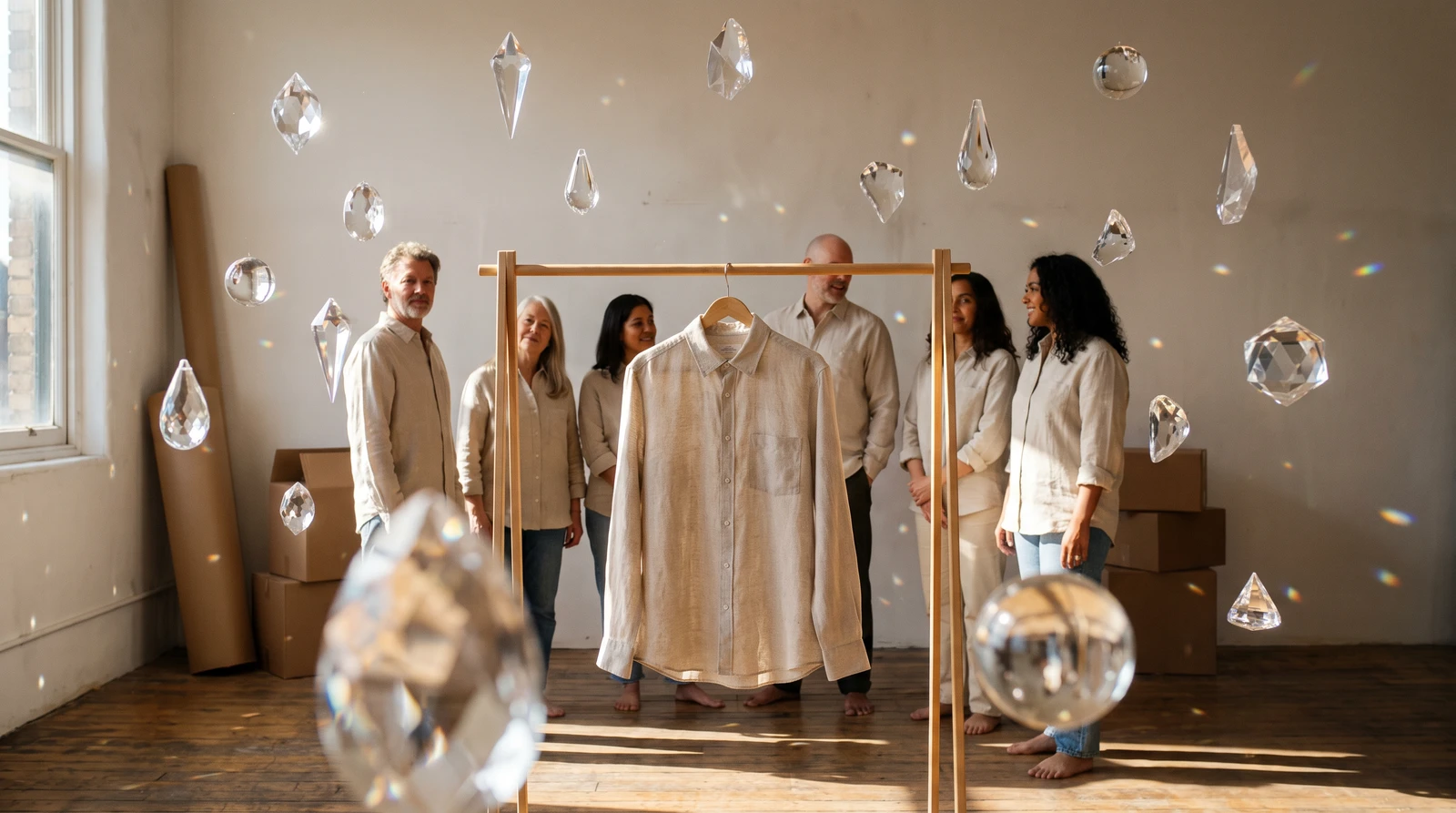
The Fashion Photography Challenge
Clothing looks fundamentally different on a flat lay versus on a person. Customers want to see how garments fit, drape, and move. But traditional model photography presents significant challenges:
- Cost: Professional model shoots cost $500-5,000+ per session
- Diversity: Representing different body types requires multiple models
- Logistics: Coordinating models, photographers, and studio time
- Speed: New inventory can't wait for scheduled shoots
- Consistency: Different models mean inconsistent visual styles
For brands selling hundreds or thousands of SKUs, these challenges multiply. That's why leading virtual try-on technology has become essential for competitive fashion e-commerce.
Introducing Product Try-On
Product Try-On uses advanced AI to seamlessly place your clothing on realistic AI-generated models. Every detail is preserved—from stitching patterns to brand logos—while AI generates natural poses, proper fit, and professional lighting.
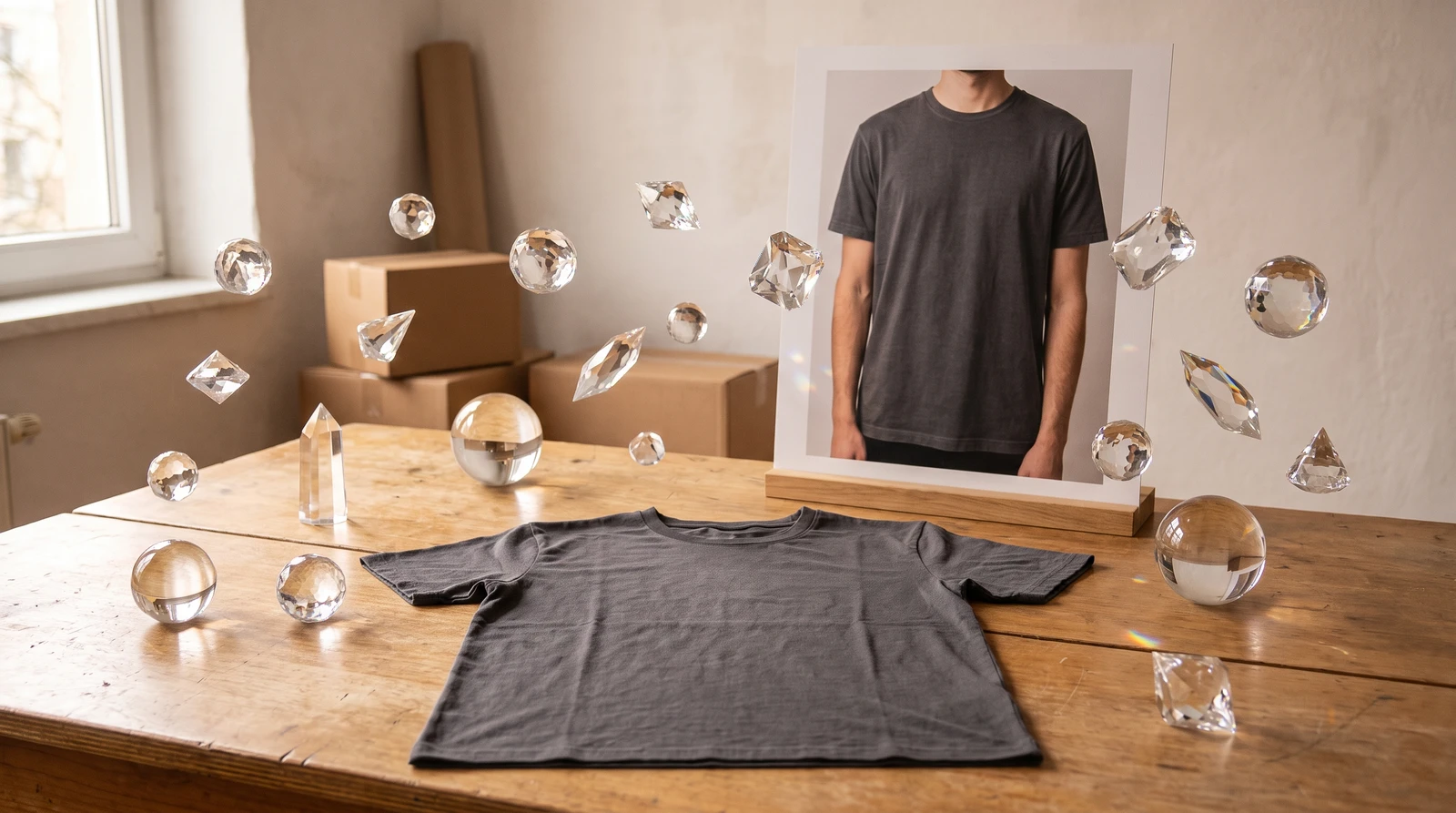
Multi-Product Compositions
Combine up to 14 different products in a single image with up to 5 people. Create complete outfit shots, group photos, and catalog-ready content instantly.
How It Works
How to Use AI Product Try-On
Create professional fashion model photography from your product images in four simple steps.
Upload your product images
Add your clothing product images to the platform. Flat lays on white backgrounds or hangar shots work best for optimal AI processing and accurate garment recognition.
Configure model and scene settings
Describe the model characteristics (age, body type, ethnicity), pose style, setting environment, lighting conditions, and overall mood you want for the image.
Select output preferences
Choose your desired aspect ratio (from 10 options), resolution (1K, 2K, or 4K), and output format (JPG or PNG) based on your intended use case.
Generate and download
Click generate to create your professional fashion photography. The AI will place your clothing on the model while preserving every detail of your product.
Configuration Options
| Setting | Options |
|---|---|
| Max Products per Scene | 14 products in one composition |
| Max People | 5 in composition |
| Aspect Ratios | 10 options (21:9 to 9:16) |
| Resolutions | 1K, 2K, 4K |
| Output Formats | JPG, PNG |
AI Quality Rules
Our AI follows strict rules to preserve your product integrity:
| Aspect | Guarantee |
|---|---|
| Design | 100% faithful to original |
| Colors | No hue or saturation changes |
| Patterns | Stripes, prints, graphics intact |
| Logos | Brand marks and text preserved |
| Textures | Fabric feel maintained |
| Features | Buttons, zippers, stitching visible |
| Proportions | Shape and silhouette identical |
Product Fidelity Promise
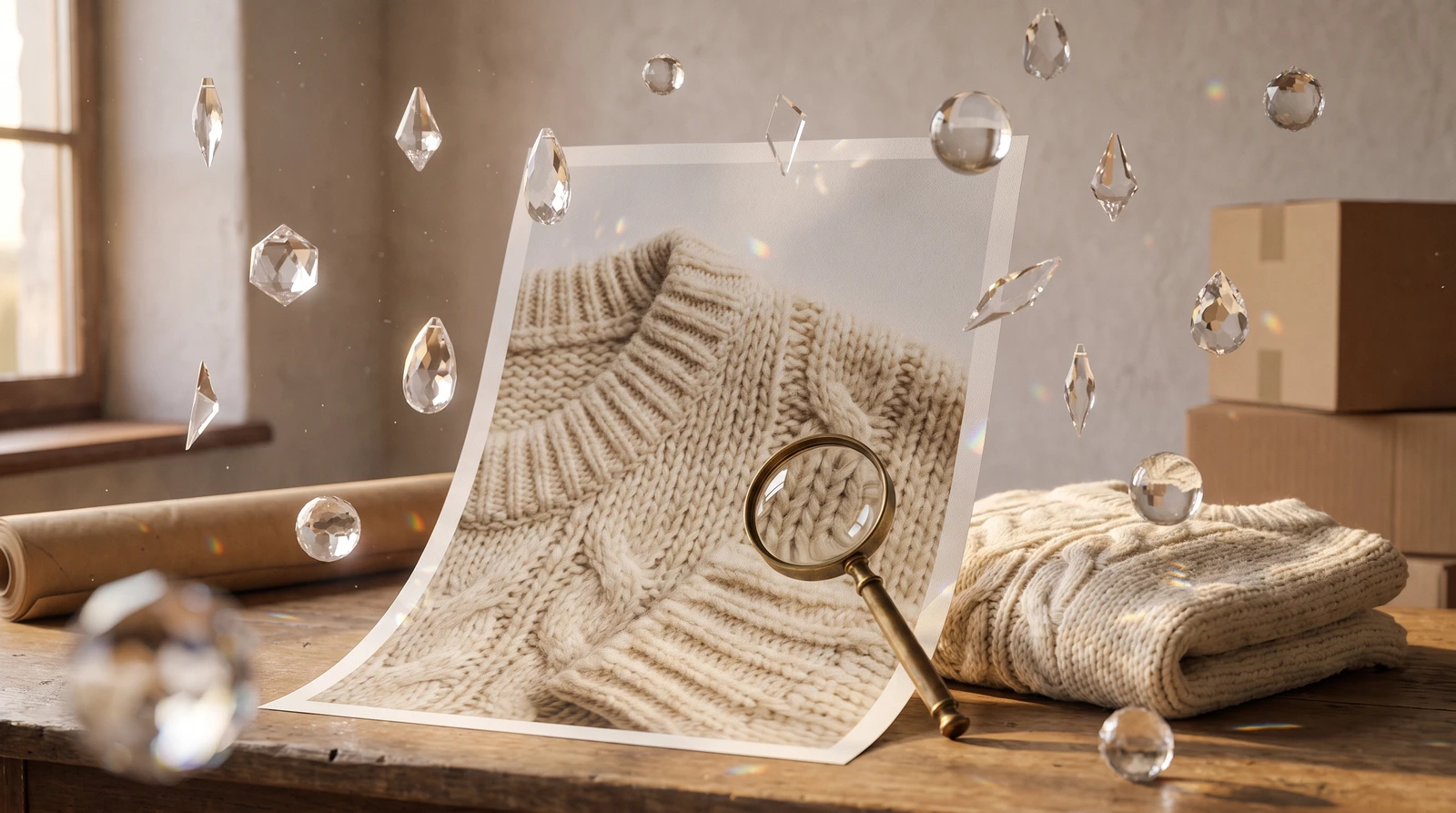
Your product's exact design, colors, and details are always preserved. AI changes only the environment and model—never your product.
Scene Descriptions
The scene description controls everything about the output. Include these elements for optimal AI fashion photography:
| Element | Examples |
|---|---|
| Model | Young woman, athletic man, diverse group |
| Pose | Standing confidently, casual lean, walking |
| Setting | Studio, urban street, beach, office |
| Lighting | Soft natural light, dramatic, bright studio |
| Mood | Professional, casual, elegant, energetic |
Example Prompts for AI Virtual Try-On
| Style | Prompt |
|---|---|
| E-commerce Standard | Professional female model, early 30s, standing straight with relaxed posture. Clean white studio background with soft diffused lighting. Neutral expression, looking at camera. |
| Lifestyle Shot | Young athletic woman walking on a city street, casual confident stride. Morning golden hour lighting, urban background with soft bokeh. |
| Group Shot | Three friends, diverse group, standing together laughing. Outdoor park setting with natural daylight. Casual, relaxed poses. |
| Luxury Fashion | Elegant woman in her 40s, sophisticated pose. High-end boutique setting with warm ambient lighting. Premium, luxurious atmosphere. |
Use Cases
E-commerce Product Pages
Create consistent product listings with model photography. Same background, same lighting, same style—across your entire catalog. This consistency improves brand perception and increases conversion rates.
Social Media Content
| Platform | Recommended Settings |
|---|---|
| Instagram Feed | 4:5 aspect, lifestyle settings |
| Instagram Stories | 9:16 aspect, engaging poses |
| 2:3 aspect, aspirational scenes | |
| Facebook Ads | 1:1 aspect, clean backgrounds |
Lookbook Creation
Generate editorial-style fashion photography for seasonal lookbooks. Create complete outfit combinations showing how pieces work together—essential for fashion e-commerce success.
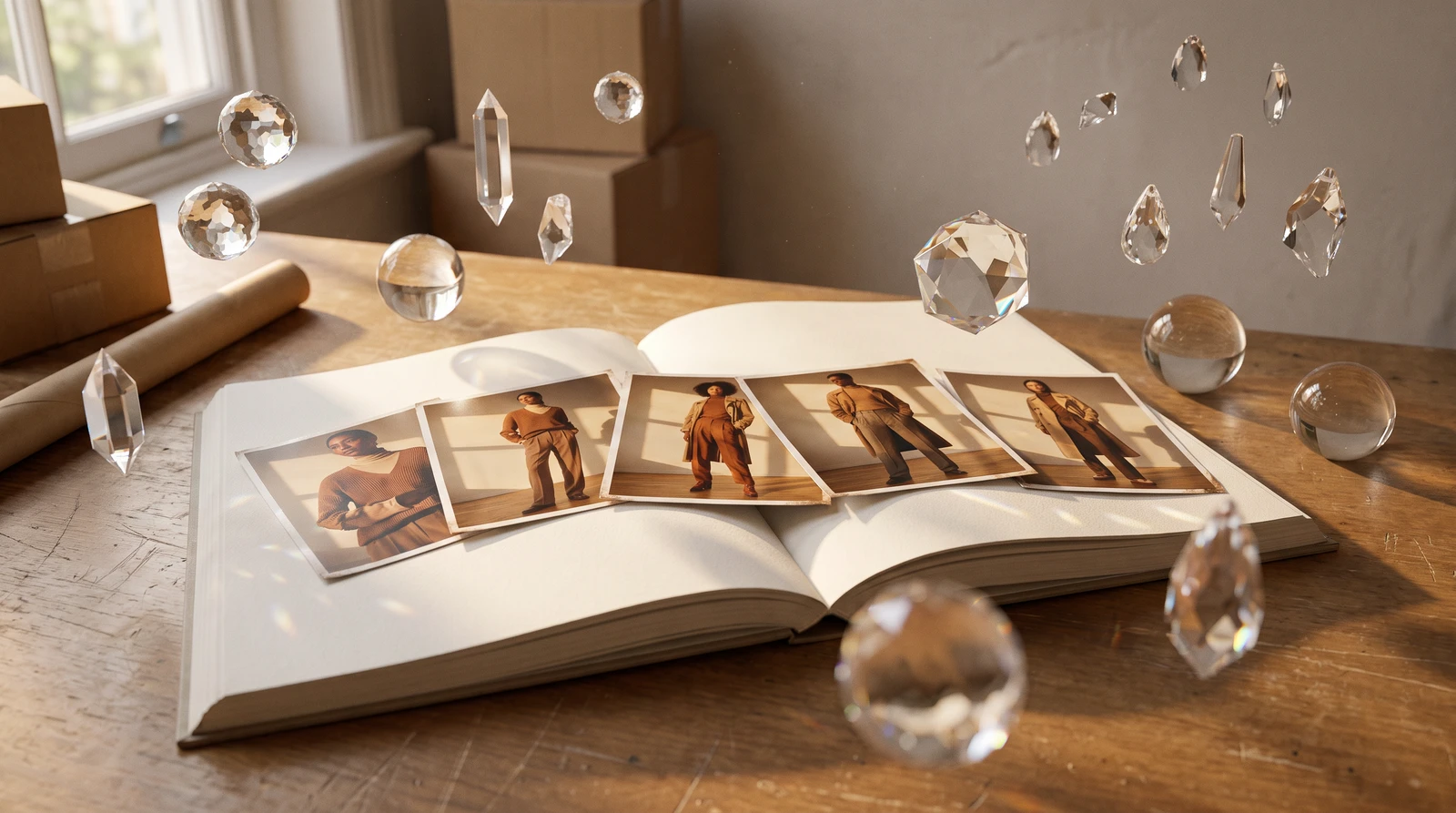
Multi-Product Outfits
Upload multiple items for complete outfit shots:
- Top: White blouse
- Bottom: Navy trousers
- Outerwear: Tan blazer
- Accessory: Leather belt
- Shoes: Brown loafers
Getting Started
Product Try-On works best with clean product photos. Flat lays on white backgrounds produce the best results. The AI needs to clearly see the garment's shape, details, and features to place it naturally on a model.
Pro Tip
Create your hero model shot, then use it as a style reference with Style Cloning to maintain consistency across your entire catalog.
Ready to transform your fashion photography workflow? Explore ecomFit's full virtual try-on capabilities and start creating professional model imagery today.
Frequently Asked Questions
What is AI virtual try-on for clothing?
AI virtual try-on is a technology that uses artificial intelligence to place clothing items on AI-generated models or existing photos. It allows e-commerce brands to create professional model photography without hiring real models, booking studios, or conducting expensive photoshoots. The AI preserves 100% of the product's original design, colors, patterns, and details.
How accurate is ecomFit's Product Try-On for product details?
ecomFit's Product Try-On maintains 100% fidelity to your original product. All design elements, colors, patterns, logos, textures, and features (buttons, zippers, stitching) are perfectly preserved. The AI only changes the model and environment—never your product.
Can I create multiple models wearing the same product?
Yes, Product Try-On allows you to generate unlimited variations with different AI models. You can create diverse model representations showing the same product on models of different ages, body types, ethnicities, and styles—all with consistent visual quality.
How many products can I combine in one image?
You can combine up to 14 different products in a single image with up to 5 people. This enables complete outfit shots, group photos, and catalog-ready content showing multiple items together.
What image formats and resolutions does Product Try-On support?
Product Try-On supports JPG and PNG output formats with three resolution options: 1K, 2K, and 4K. You can also choose from 10 different aspect ratios ranging from 21:9 to 9:16 to match any platform requirement.
Related Articles

Introducing ecomFit: Revolutionizing Apparel E-commerce
Discover how ecomFit is transforming the way fashion brands create product imagery with AI-powered virtual try-on technology.

AI Background Removal: Clean Product Images in 5 Seconds
Remove backgrounds from product images instantly with AI. Get transparent PNG files ready for any platform. Just 20 credits per image with professional results.

AI Object Removal: Erase Unwanted Items from Photos
Intelligently remove unwanted objects while AI reconstructs the background seamlessly. 12-rule AI system ensures photorealistic results every time.