Nano Banana Image-to-Image: AI Style Transfer for Products
Transform existing images with consistent style using Google Nano Banana Pro.
ecomVance
Advanced AI for E-Commerce

What is Nano Banana Image-to-Image?
Nano Banana Image-to-Image is an AI-powered style transfer tool that transforms existing product images based on text descriptions. Powered by Google's Nano Banana Pro model, it applies consistent visual transformations (backgrounds, lighting, mood) across up to 14 images simultaneously.
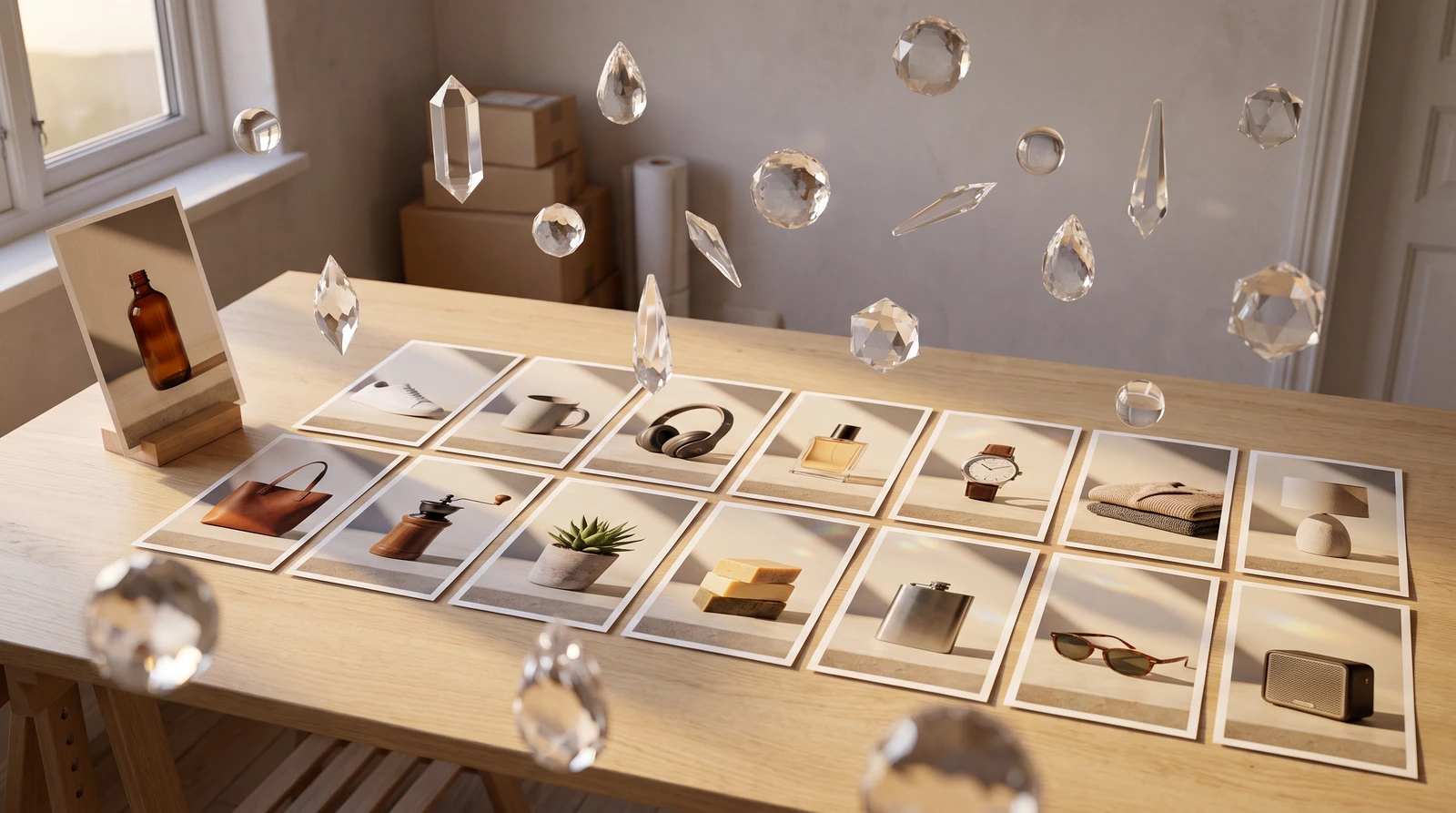
- Transform up to 14 images in a single batch
- AI-powered style transfer using Google Nano Banana Pro
- 11 aspect ratio options including 'Match Input'
- 1K/2K resolution: 50 credits, 4K: 100 credits
- Processing time: 30-60 seconds per batch
Key Takeaways
- 1Batch process up to 14 images with consistent style transformation
- 250 credits for 1K/2K, 100 credits for 4K—same price for entire batch
- 3Include background, lighting, mood, and style in transformation prompts
- 411 aspect ratios including 'Match Input Image' to preserve proportions
- 5Traditional editing of 14 images: $70-140+. Nano Banana: 50-100 credits
Transform your existing product images with AI-powered style transfer. Nano Banana Image-to-Image applies consistent visual transformations across your entire catalog—perfect for creating cohesive brand aesthetics at scale.
The Style Consistency Challenge
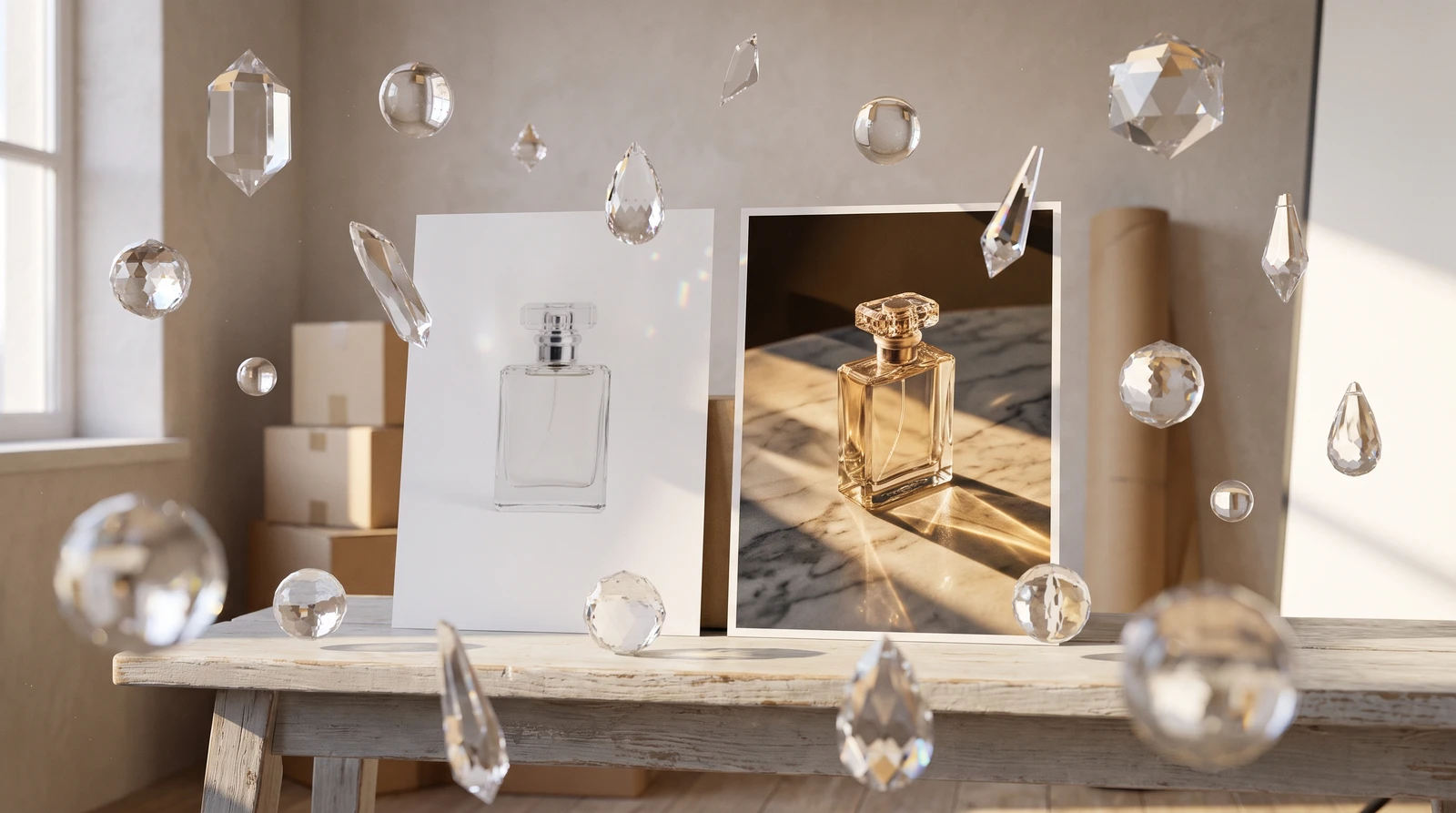
E-commerce brands need visual consistency. But product photos often come from different sources—suppliers, old shoots, various photographers—resulting in mismatched styles. Manually editing each image to match is tedious and expensive.
What if you could describe a visual style once and apply it instantly to your entire catalog? That's the power of AI image transformation.
Introducing Nano Banana Image-to-Image
Nano Banana Image-to-Image uses Google's advanced Nano Banana Pro model to transform existing images based on your text descriptions. Upload your product photos and describe the transformation—the AI applies consistent changes across all images.
Multi-Image Transformation
Upload up to 14 images and apply consistent style transformations. Each image is transformed individually, producing 14 separate outputs with the same style applied—all for the price of one.
How It Works
How to Use AI Image-to-Image Style Transfer
Transform product images with consistent styling in four simple steps.
Upload your product images
Add up to 14 product images to transform. Higher quality input images produce better results, so use well-lit photos with clear subjects.
Write your transformation prompt
Describe the style transformation you want: specify background, lighting, mood, and overall aesthetic. Example: 'Luxury marble background with soft golden hour lighting.'
Configure output settings
Select resolution (1K, 2K, or 4K), aspect ratio (11 options including 'Match Input'), and output format (JPG or PNG).
Generate and download
Click generate and receive all transformed images in 30-60 seconds. Each image is processed individually with the same style applied consistently.
Transformation Prompts
Effective transformation prompts include four key elements:
| Element | Examples |
|---|---|
| Background | Marble, wood, gradient, studio |
| Lighting | Golden hour, soft, dramatic, natural |
| Mood | Luxury, minimal, rustic, modern |
| Style | Professional, artistic, vintage, clean |
Example AI Style Transfer Prompts
| Goal | Transformation Prompt |
|---|---|
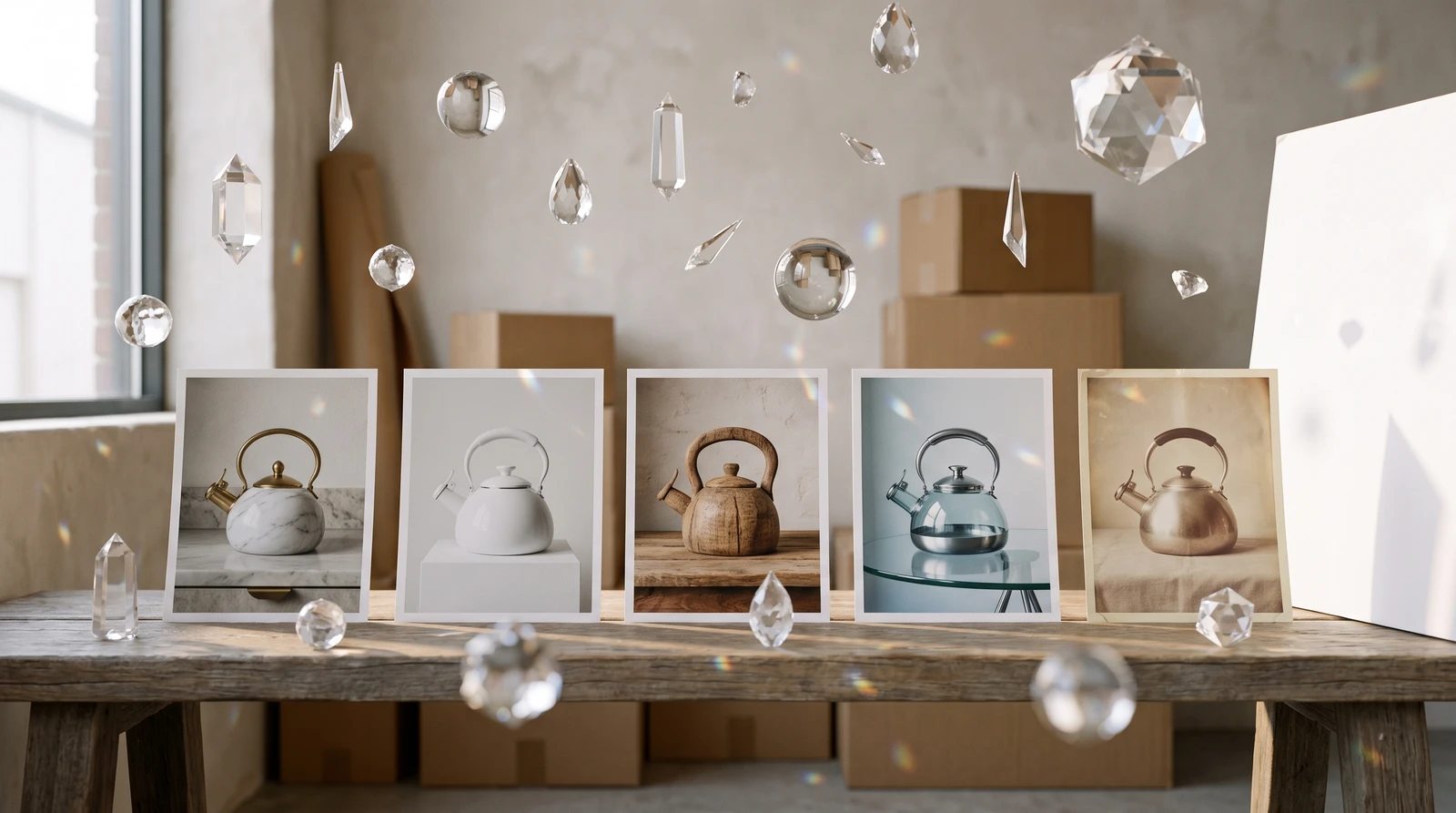
| Luxury Look | Luxury marble background with soft golden hour lighting |
| Minimalist | Minimalist white studio with dramatic shadows |
| Rustic | Warm rustic wood surface with natural daylight |
| Modern | Modern gradient background, clean professional look |
| Vintage | Vintage aesthetic with muted tones and film grain |
Be Specific
Vague prompts like "make it better" won't produce good results. Include specific details about background, lighting, and mood for best transformations.
Key Features
Pricing
| Resolution | Credits (Entire Batch) |
|---|---|
| 1K (~1024px) | 50 credits |
| 2K (~2048px) | 50 credits |
| 4K (~4096px) | 100 credits |
Batch Efficiency
Transform up to 14 images for the price of one. Traditional editing of 14 images might cost $70-140 and take hours. With Nano Banana Img2Img: 50-100 credits in 30-60 seconds.
11 Aspect Ratios
Including "Match Input Image" to preserve original proportions, plus 10 standard ratios from 21:9 to 9:16 for different platform requirements.
Use Cases
Product Catalog Restyling
14 product photos need a consistent luxury look? Upload all 14, describe the premium marble surface with soft golden lighting, and get cohesively styled images in one batch.
Seasonal Campaigns
Transform your product lineup for seasonal marketing:
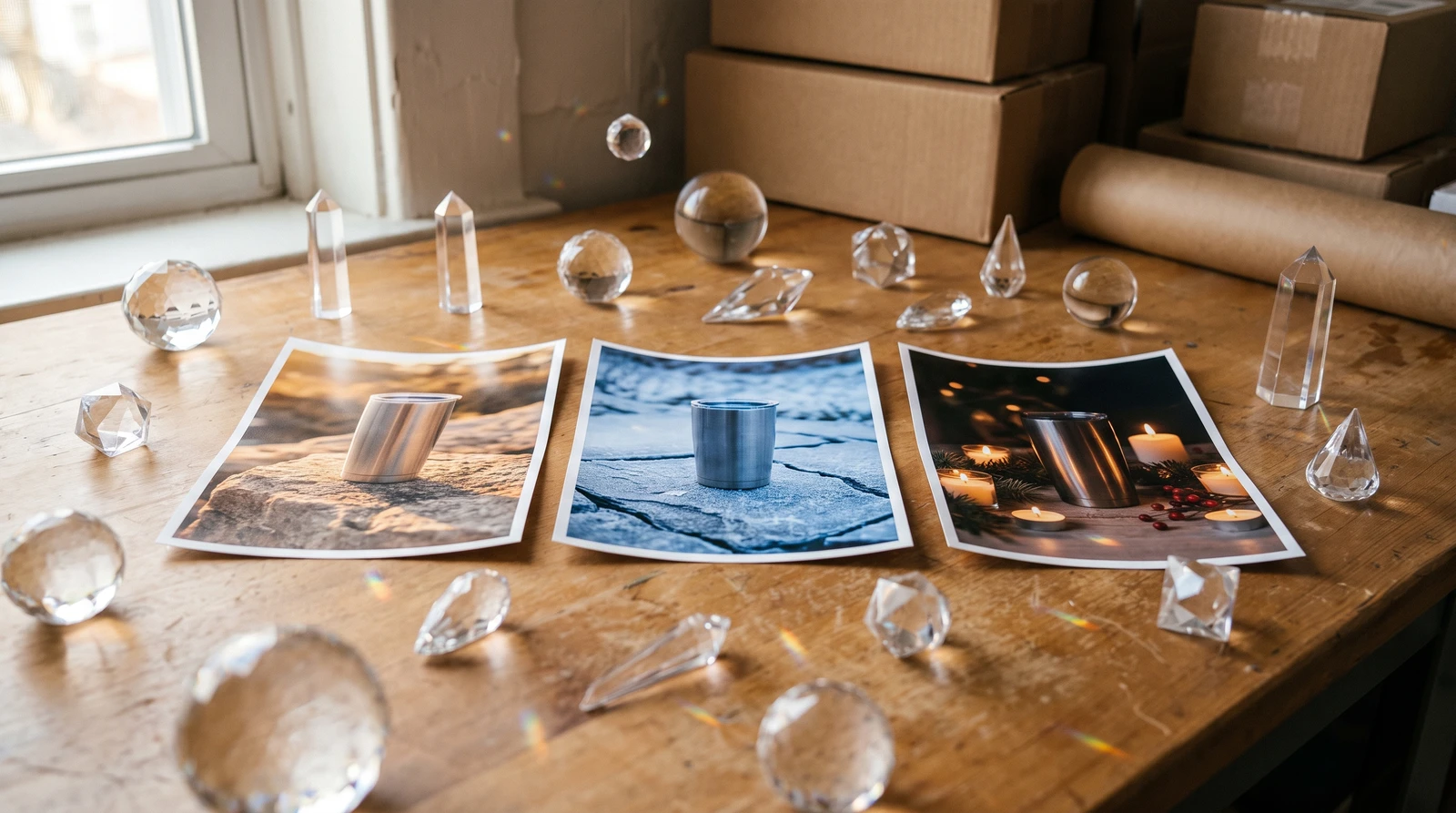
- Summer: "Warm golden hour lighting, beach sand texture hints"
- Winter: "Cool tones, soft snow reflections, cozy atmosphere"
- Holiday: "Rich red and gold accents, festive warmth"
Brand Refresh
Updating your brand aesthetic? Transform your entire existing catalog to match the new style without reshooting.
A/B Testing
Create multiple style variations of the same products to test which visual approach drives better engagement and sales.
Getting Started
Nano Banana Image-to-Image is available in ecomPro. Start with high-quality input images for best results—the AI enhances what's there, so better inputs mean better outputs.
Pro Tip
Save your best transformation prompts. Reuse them for new products to maintain consistent brand aesthetic across your growing catalog.
Ready to transform your product visuals? Explore ecomPro's AI image generation tools and create cohesive brand aesthetics at scale.
Frequently Asked Questions
What is AI image-to-image style transfer?
AI image-to-image style transfer is a technology that transforms existing images by applying new visual styles, backgrounds, lighting, and aesthetics based on text descriptions. It preserves the core subject of your original image while changing the surrounding elements and overall visual style.
How many images can I transform at once with Nano Banana?
Nano Banana Image-to-Image supports batch processing of up to 14 images simultaneously. Each image is transformed individually with the same style applied, producing 14 separate outputs—all for the price of a single transformation (50-100 credits).
What's the difference between 1K, 2K, and 4K resolution?
1K resolution is approximately 1024 pixels on the longest edge, 2K is approximately 2048 pixels, and 4K is approximately 4096 pixels. 1K and 2K cost the same (50 credits), so always choose 2K for better detail. 4K costs 100 credits and is best for print or high-end displays.
How do I write effective transformation prompts?
Effective transformation prompts include four key elements: background (marble, wood, gradient), lighting (golden hour, soft, dramatic), mood (luxury, minimal, rustic), and style (professional, artistic, vintage). Be specific—vague prompts like 'make it better' won't produce good results.
Can I preserve the original aspect ratio when transforming images?
Yes, Nano Banana Image-to-Image offers 11 aspect ratio options including 'Match Input Image' which preserves your original image proportions, plus 10 standard ratios from 21:9 to 9:16 for different use cases.
Related Articles

Introducing ecomPro: Advanced AI Image and Video Generation
Access Google Nano Banana Pro for stunning image generation and Veo 3.1 for cinematic video creation. Enterprise-level AI content creation for e-commerce.

AI Background Removal: Clean Product Images in 5 Seconds
Remove backgrounds from product images instantly with AI. Get transparent PNG files ready for any platform. Just 20 credits per image with professional results.

AI Object Removal: Erase Unwanted Items from Photos
Intelligently remove unwanted objects while AI reconstructs the background seamlessly. 12-rule AI system ensures photorealistic results every time.