Nano Banana Text-to-Image: Generate Product Images from Text
Create stunning product images from text descriptions using Google Nano Banana Pro.
ecomVance
Advanced AI for E-Commerce

What is Nano Banana Text-to-Image?
Nano Banana Text-to-Image generates professional product images entirely from text descriptions using Google's Nano Banana Pro AI model. No source photos needed—describe your vision in detail (subject, setting, lighting, style), and AI creates high-quality commercial imagery in 30-60 seconds.
- Generate images from text descriptions only
- No source photos or existing images required
- Powered by Google Nano Banana Pro AI model
- 50 credits for 1K/2K, 100 credits for 4K
- Ideal for concepts, mockups, and marketing visuals
Key Takeaways
- 1Create professional product images without photography
- 2Prompt formula: Subject + Setting + Lighting + Style + Details
- 3Add quality keywords: 'professional photography,' 'studio quality,' 'high detail'
- 4Professional photoshoot: $500-2,000. Text-to-Image: 50-100 credits
- 5Perfect for product concepts before production exists
No photos? No problem. Nano Banana Text-to-Image generates stunning product images from text descriptions alone. Create professional imagery, marketing visuals, and creative content without ever picking up a camera.
The No-Photo Challenge
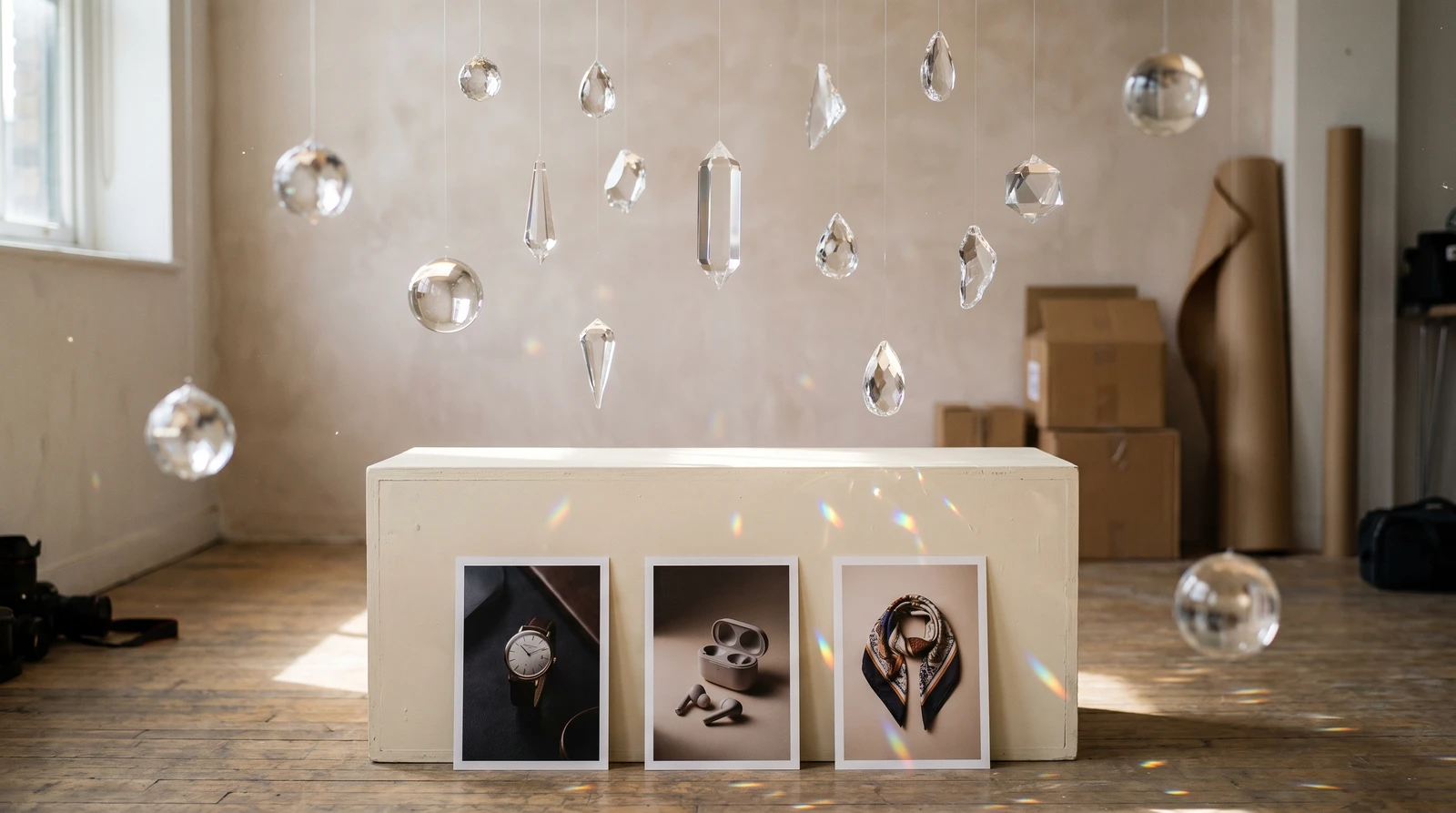
Sometimes you need product imagery before the product exists. Concept visualization, pre-launch marketing, prototype showcases—traditional photography isn't an option. And even when products exist, professional photography is expensive and time-consuming.
What if you could describe your perfect product shot and have AI create it? That's the power of AI text-to-image generation.
Introducing Nano Banana Text-to-Image
Nano Banana Text-to-Image transforms your text descriptions into high-quality images using Google's Nano Banana Pro model. Describe the scene, subject, lighting, and style—AI generates professional imagery in seconds.
Pure Imagination
No source images needed. Describe your vision in detail, and AI creates it. Perfect for concepts, mockups, and situations where photography isn't feasible.
Prompt Mastery
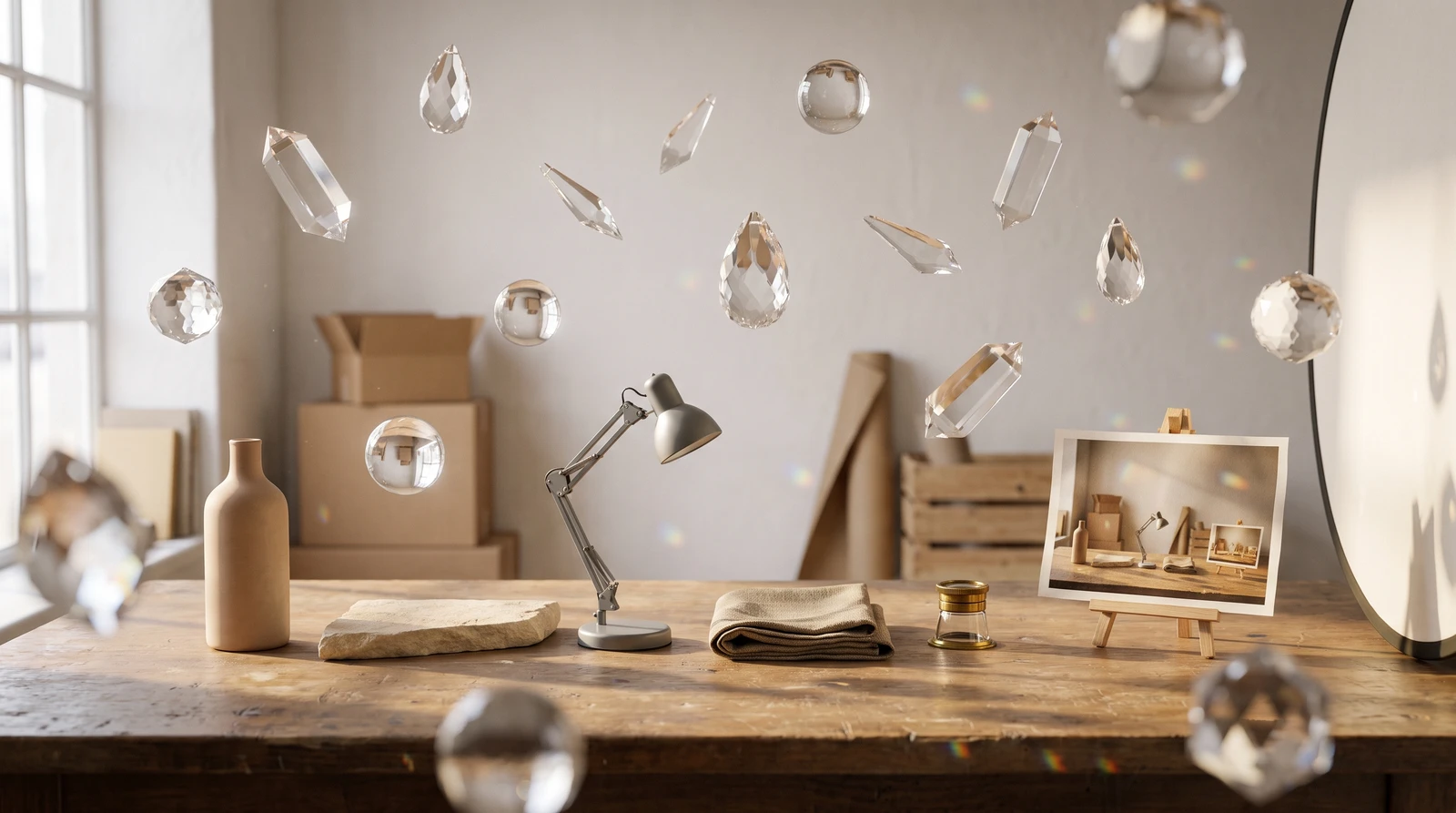
Great prompts follow a formula:
[Subject] + [Setting] + [Lighting] + [Style] + [Details]
Anatomy of a Great Prompt
| Element | Description | Examples |
|---|---|---|
| Subject | Main focus of image | leather handbag, wireless earbuds, coffee mug |
| Setting | Environment/background | marble surface, wooden table, studio backdrop |
| Lighting | Light source and quality | soft natural light, dramatic shadows, golden hour |
| Style | Visual aesthetic | luxury brand, minimalist, lifestyle photography |
| Details | Specific requirements | shallow depth of field, high detail, clean composition |
Example Prompts by Category
| Category | Prompt |
|---|---|
| Luxury Products | An elegant gold watch displayed on black velvet fabric. Dramatic spotlight from above creates a halo effect. Dark gradient background. Luxury jewelry advertisement style with reflections on polished metal. |
| Tech Products | Modern wireless earbuds floating against a clean gradient from blue to purple. Soft studio lighting with subtle reflections. Apple-style product photography, minimal and sleek. |
| Fashion Items | Designer sunglasses resting on a marble surface with tropical plant shadow overlay. Bright natural daylight. Summer luxury lifestyle feel, fashion editorial style. |
| Home & Living | Modern ceramic vase with dried pampas grass on a minimalist white shelf. Soft diffused natural light. Scandinavian interior design aesthetic. Clean lines, neutral tones. |
How It Works
How to Generate AI Product Images from Text
Create professional product imagery from text descriptions in four steps.
Write your detailed image description
Compose a prompt using the formula: [Subject] + [Setting] + [Lighting] + [Style] + [Details]. Be specific about every element for best results.
Add quality enhancers
Include keywords like 'high resolution,' 'professional photography,' 'studio quality,' and 'sharp focus' to improve output quality.
Configure output settings
Select resolution (1K, 2K, or 4K), aspect ratio (11 options available), and output format (JPG or PNG).
Generate and iterate
Click generate to create your image in 30-60 seconds. Generate again for variations or adjust your prompt for different results.
Key Features
Pricing
| Resolution | Credits |
|---|---|
| 1K (~1024px) | 50 credits |
| 2K (~2048px) | 50 credits |
| 4K (~4096px) | 100 credits |
Cost Comparison
Professional product photoshoot: $500-2,000. Stock photo: $10-50. Text-to-Image: 50-100 credits (~$0.50-1.00). Create unlimited variations at a fraction of traditional costs.
Quality Keywords
Add these to any prompt for better results:
- "high resolution" / "high detail"
- "sharp focus" / "professional photography"
- "studio quality" / "commercial advertisement"
- "product photography style" / "ultra detailed"
Use Cases
Product Concept Visualization
Visualize products before production. Create mockups for stakeholder review, investor presentations, or design decisions.
Marketing Visuals
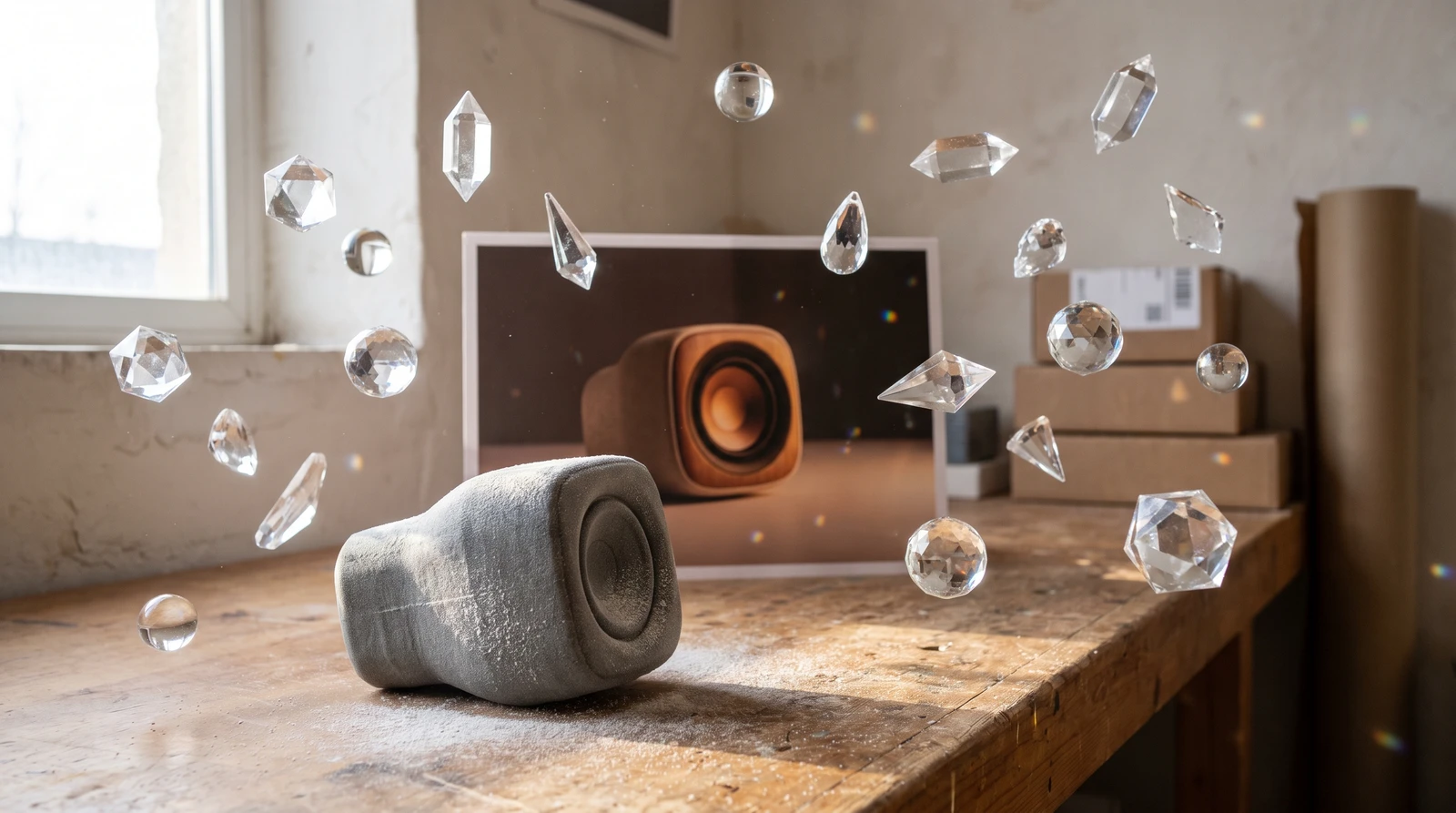
Generate campaign imagery, social media content, and advertising visuals without photoshoot logistics.
Listing Images
Need product photos without inventory? Describe your product with professional styling and create e-commerce ready imagery.
Social Media Content
Create daily content at scale. Generate product-in-context images, aspirational scenes, and scroll-stopping visuals for your content marketing strategy.
Getting Started
Nano Banana Text-to-Image is available in ecomPro. Start with detailed prompts—the more specific you are about every element, the better your results will be.
Pro Tip
Use Text-to-Image for concepts, then refine with Image-to-Image transformations. The combination gives you maximum creative control over your product visuals.
Start generating professional AI product images with ecomPro's Text-to-Image tool today.
Frequently Asked Questions
What is AI text-to-image generation?
AI text-to-image generation creates images entirely from text descriptions—no source photos needed. You describe the subject, setting, lighting, and style, and AI generates a professional image matching your description. It's ideal for product concepts, marketing visuals, and situations where photography isn't feasible.
How do I write effective prompts for AI image generation?
Follow the formula: [Subject] + [Setting] + [Lighting] + [Style] + [Details]. Example: 'An elegant gold watch on black velvet fabric, dramatic spotlight from above, dark gradient background, luxury jewelry advertisement style, high detail.' Include quality keywords like 'professional photography' and 'studio quality.'
What's the cost comparison between AI images and traditional photography?
Professional product photoshoot: $500-2,000. Stock photo: $10-50 per image. Text-to-Image: 50-100 credits (~$0.50-1.00). AI generation offers professional quality at a fraction of traditional costs with unlimited variations.
Can AI-generated images be used for commercial purposes?
Yes, images generated with Nano Banana Text-to-Image are yours to use commercially. They're ideal for product mockups, marketing visuals, social media content, and advertising campaigns.
What quality keywords should I add to my prompts?
Add these quality enhancers to any prompt: 'high resolution,' 'high detail,' 'sharp focus,' 'professional photography,' 'studio quality,' 'commercial advertisement,' 'product photography style,' and 'ultra detailed.'
Related Articles

Introducing ecomPro: Advanced AI Image and Video Generation
Access Google Nano Banana Pro for stunning image generation and Veo 3.1 for cinematic video creation. Enterprise-level AI content creation for e-commerce.

AI Background Removal: Clean Product Images in 5 Seconds
Remove backgrounds from product images instantly with AI. Get transparent PNG files ready for any platform. Just 20 credits per image with professional results.

AI Object Removal: Erase Unwanted Items from Photos
Intelligently remove unwanted objects while AI reconstructs the background seamlessly. 12-rule AI system ensures photorealistic results every time.